
Essential Blocks, the Block library allows you to make its templates in an unsynced pattern format on your Gutenberg website. When enabled, you’ll have access to pre-designed block patterns and templates for faster website building. Let us have a look at how it works.
Before getting started, make sure you have installed the Essential Blocks on your WordPress website.
Step 1: Enable the Block Patterns from Essential Blocks Settings #
After installing Essential Blocks, go to the plugin dashboard from your site’s admin panel and navigate to the ‘Settings’ tab. From there, enable the ‘Block Patterns’ option.
Step 2: Add Block Template as Pattern #
Next, go to the WordPress block editor. From the left sidebar, go to the ‘Patterns’ tab. Here, you can explore and choose from the available Essential Blocks patterns. Select any pattern to insert it into your page or post and set it as a pattern on your WordPress website.
Currently, you will get this support on the following blocks from Essential Blocks:
- Accordion
- Business Hours
- Countdown
- Pricing Table
- Loop Builder
- Infobox
- News Ticker
- Mega Menu
- Progress Bar
- Advanced Heading
- Flipbox
- Team Member
- Testimonial
- Testimonial Slider
- Timeline
- Timeline Slider
- Call To Action
- Slider
- Wrapper / Row
- Post Carousel / Post Grid
- Woo Product Carousel / Grid
This way, each template will work as a pattern in your block library and build your website faster.
Disabling the Block Patterns #
Now, to reduce loading speed, you can disable the Block Patterns from the settings.
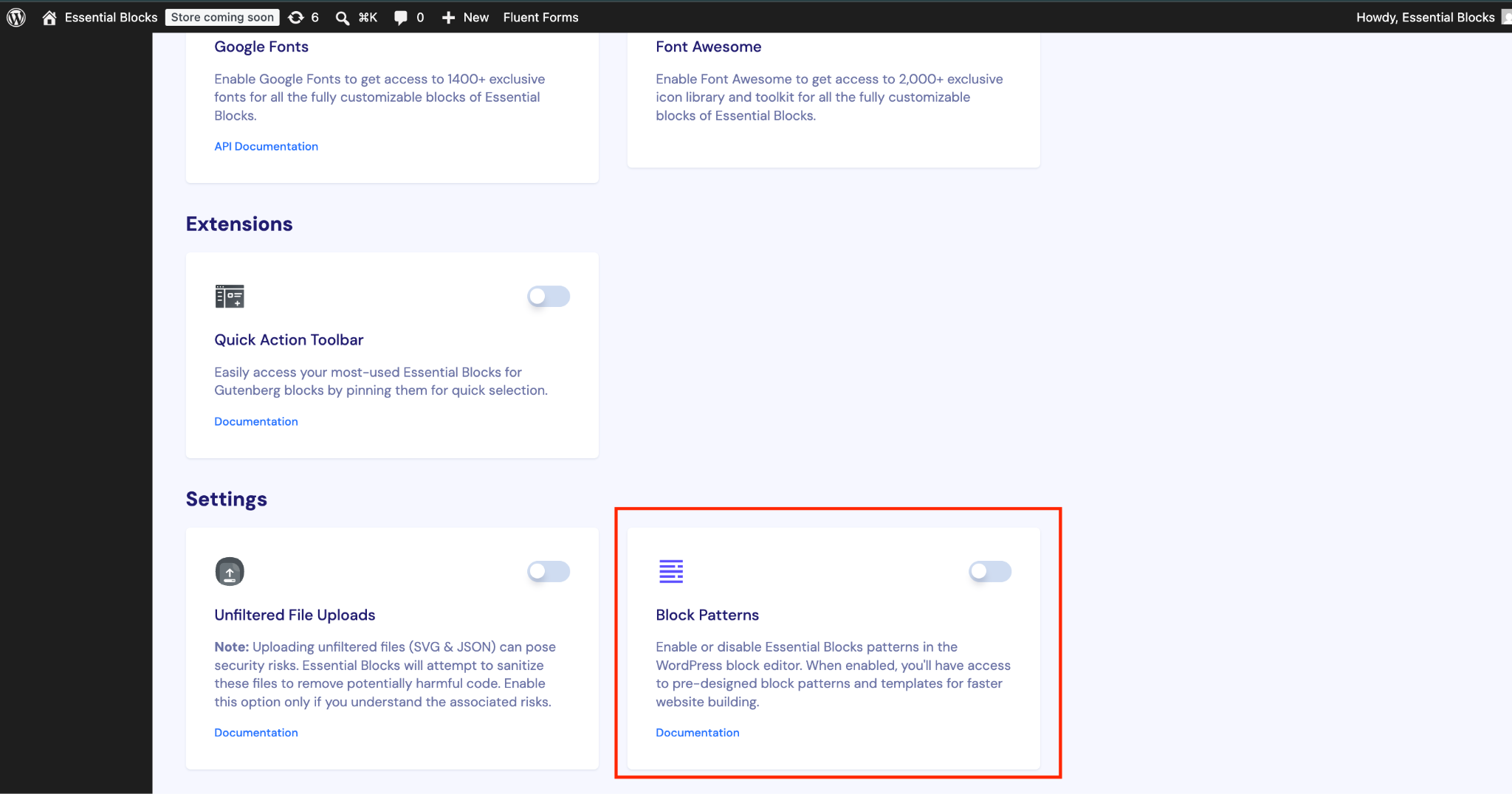
Now, after disabling the ‘Block Patterns’ from the Essential Blocks settings, you will not see any template pattern in your Gutenberg editor that is created with Essential Blocks templates.
Got stuck? Feel free to contact our support for further assistance.


