A great website in 2026 is not just attractive. It is fast, clear, inclusive, conversion-focused and easy to use across every screen size. That is why understanding web design principles matters more than ever.
Whether you are building a SaaS homepage, an agency site, a blog, or an online store, the right design choices help visitors trust your brand, find information faster, and take action without friction. According to statistics, 94% of first impressions are influenced by design, and 75% of users judge a brand’s credibility based on website aesthetics.
The challenge is that many websites still confuse modern design with visual trends alone. In reality, the strongest principles of web design are rooted in usability, responsiveness, accessibility, content hierarchy and performance. In other words, if your layout looks polished but feels hard to navigate, slow to load, or frustrating on mobile, it is not good design. Today, good web design principles must work for real users in real conditions, from zoomed-in screens to touch devices and keyboard navigation.
TL;DR
Too long? Didn’t read? Here’s the quick summary of the blog post.
| What’s in the blog | Why it matters | How to implement |
| 12 key web design principles for 2026 | Helps create clearer, more effective websites | Audit your current pages against each principle |
| Responsive, accessible, user-first design tips | Improves usability across devices and audiences | Use flexible layouts, readable text, and proper contrast |
| Practical advice on hierarchy, spacing, navigation, and CTAs | Makes pages easier to scan and act on | Simplify layouts and highlight one main action per section |
| Examples relevant to Essential Blocks users | Shows how to apply principles in Gutenberg | Use blocks like CTA, Row, Accordion, TOC, and Pricing Table |
10+ Web Design Principles That Web Designers Should Follow
The best web design principles are not random rules. They are reliable patterns that help users move through a page with less effort and more confidence. When applied correctly, they improve readability, reduce bounce, increase engagement and support better conversions.
Below are 12 principles every designer should understand in 2026. Together, they cover the visual, structural and functional side of modern web experiences.
1. Design for User Intent
The first rule of great web design is simple: know what the visitor came to do. Every page should support a clear user goal, whether that is learning, comparing, subscribing, booking, or buying. If a homepage tries to do everything at once, it usually does nothing well. Good design starts by asking: what is the primary action, what information supports it and what distractions can be removed? This is the foundation of purposeful design and one of the most overlooked good web design principles.
When we ship client sites, we treat each page like it has one job. If the hero, nav, and CTA all compete, visitors stall—so we cut secondary actions until the primary path is obvious within a few seconds, according to Ruarkvallen Tapel, co-founder of Webscelerate, a Webflow agency.
For example, a product landing page should not give equal visual weight to every feature, announcement, testimonial and secondary link. Instead, it should guide users toward the next best step. On Essential Blocks, this could mean pairing a strong hero section with a focused Call To Action block, then using Feature List, Testimonial and Pricing Table blocks only where they help users make a decision. When each section earns its place, the page feels simpler and converts better.
2. Build a Strong Visual Hierarchy
Visual hierarchy is the art of showing users what matters first, second and third. Without it, every section competes for attention and the result feels noisy. Hierarchy comes from contrast, size, spacing, placement, color and repetition. Bigger headlines, stronger contrast, distinct CTA buttons and clear section breaks all help users scan a page quickly. This principle matters even more in 2026 because users are overloaded with information and make split-second judgments about whether a page is worth their time.
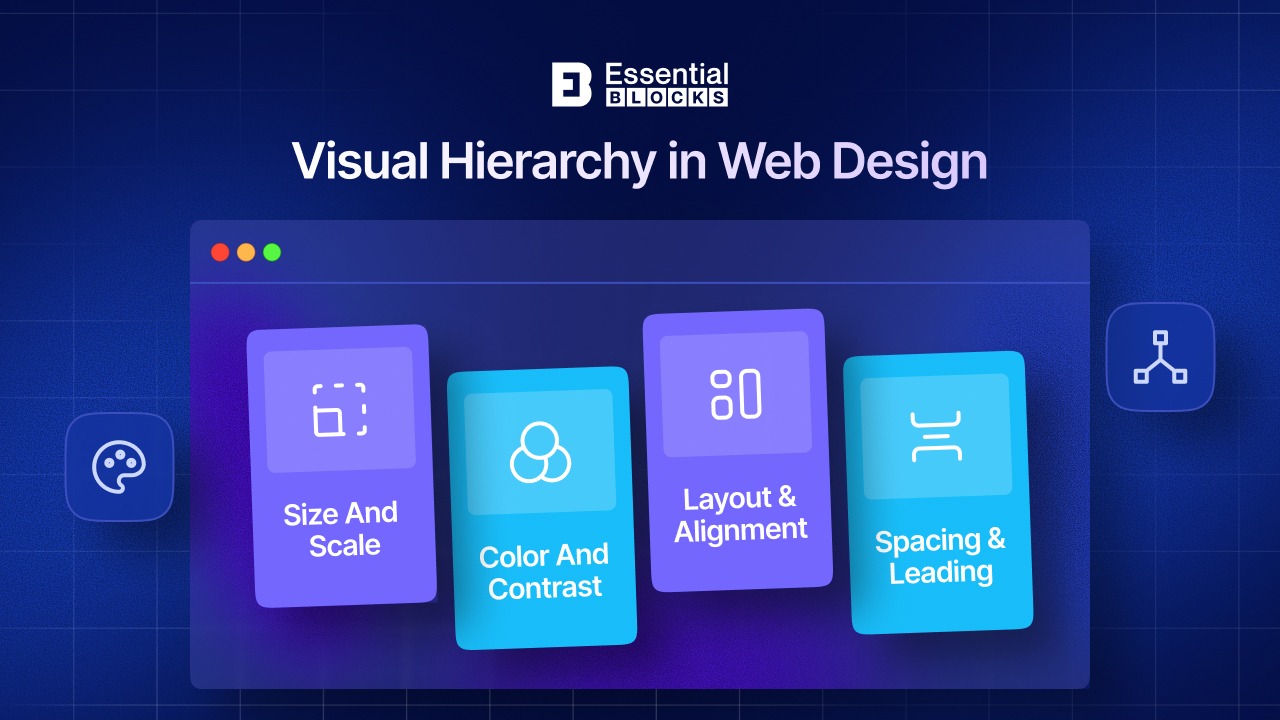
Research-backed patterns like the F-pattern and Z-pattern still matter because people do not read websites the way they read books. They scan for cues. A strong page headline, concise subheading, a primary button and a visually distinct supporting section can dramatically improve comprehension.
In Essential Blocks, you can support this principle with Advanced Heading, Button, Call To Action, and layout controls that let you emphasize important content without clutter. If your page does not clearly answer “What is this?” and “What should I do next?” within seconds, the hierarchy needs work.
3. Use Whitespace to Reduce Cognitive Load
Whitespace is not empty space. It is a functional design tool that gives content room to breathe. When sections, headlines, buttons and images are too close together, users have to work harder to understand the page. That extra effort creates friction. Whitespace improves readability, supports hierarchy, highlights important elements and makes interfaces feel more premium. One reason many “busy” websites feel outdated is not just color choice or typography. It is the lack of intentional space.
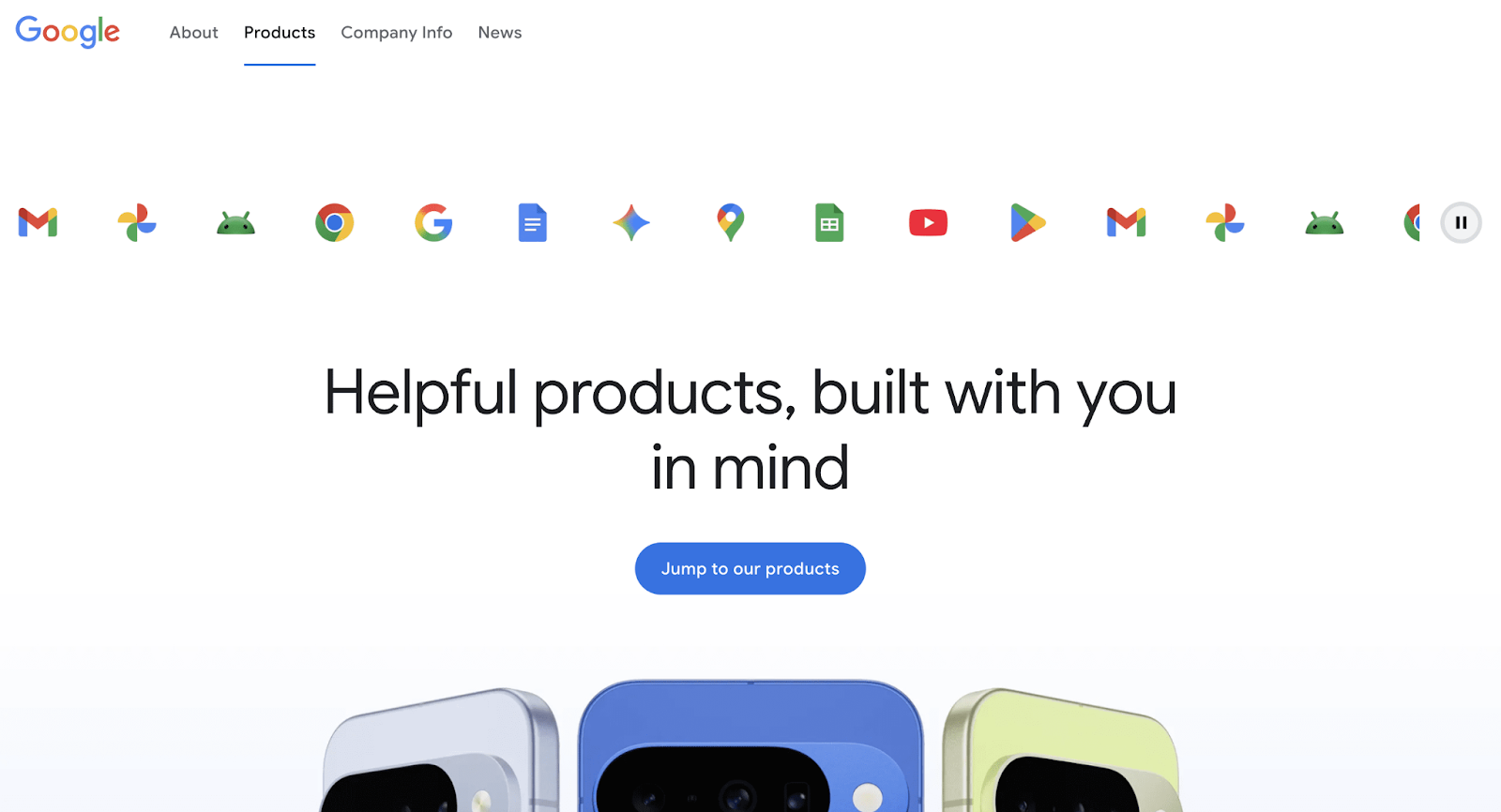
A common mistake is thinking every inch of a page must carry content. It should not. A cleaner layout usually communicates more effectively than a crowded one. On Essential Blocks, Wrapper, Row and Flex Container can help separate content areas more clearly, while global styling choices make spacing more consistent from section to section. If you want a CTA to stand out, often the answer is not making it brighter or bigger. It is reducing the visual noise around it. Negative space works because it directs attention without shouting.
4. Keep Typography Readable And Consistent
Typography is one of the clearest signals of design quality. If the text is hard to read, the design fails, no matter how good the visuals look. Readability depends on font choice, size, weight, line height, contrast and consistency. One of the most practical principles of web page design is to avoid turning typography into decoration. Text exists to communicate.
In 2026, designers also need to account for responsive scaling, zoom behavior and readability on smaller devices, which is why relative sizing and clean type systems matter so much.
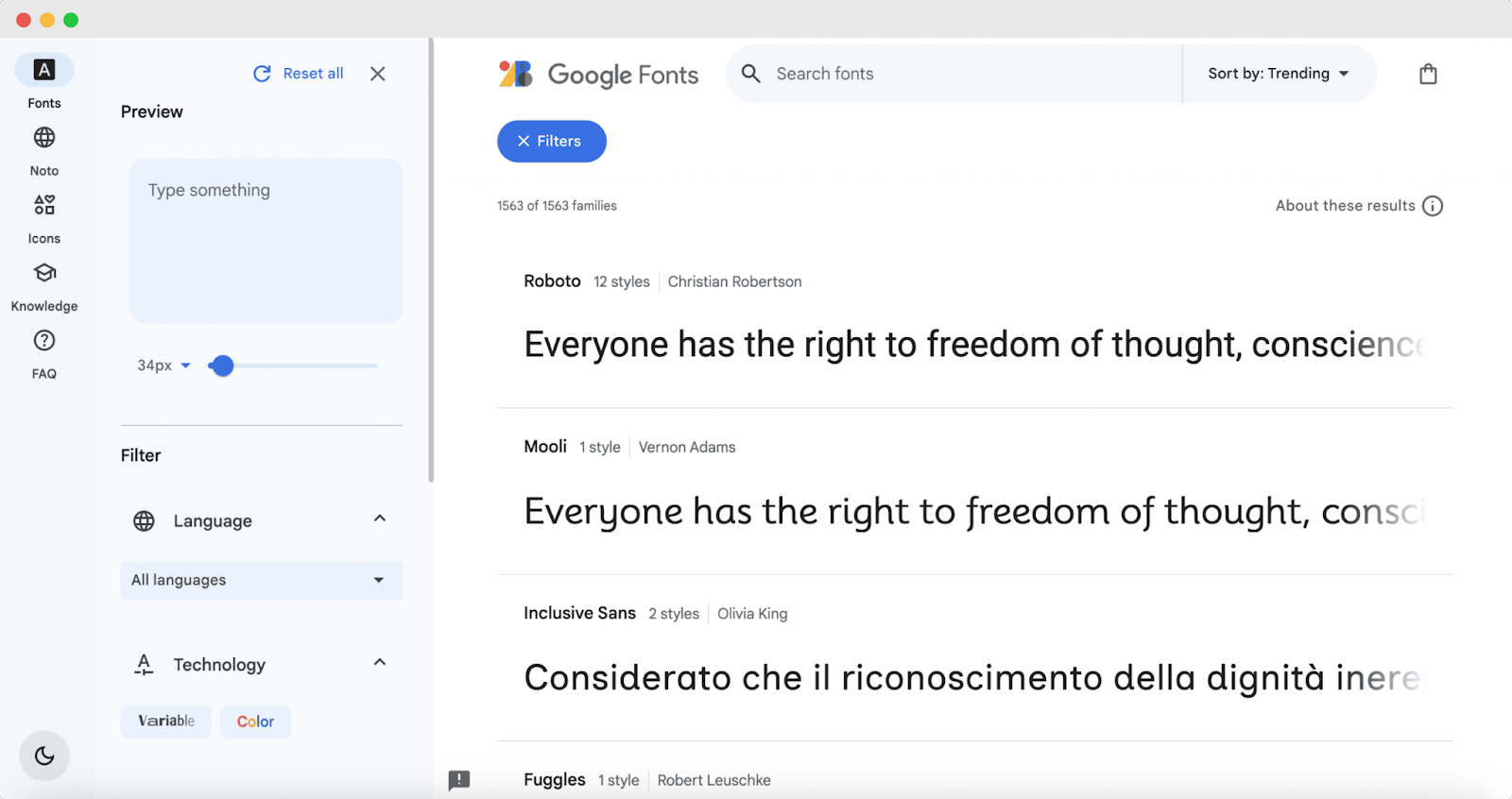
Essential Blocks supports this principle particularly well through Global Block Styling & Typography and Google Fonts Compatibility, making it easier to create a repeatable type system across headings, paragraphs, links, and buttons. That matters because inconsistency weakens trust fast. If one section uses oversized headings, another uses cramped body text, and buttons all look different, the site feels less polished.
A good rule is to use a limited, deliberate type scale and apply it consistently across the entire site. Clean typography does not just make a page prettier. It makes it easier to understand and easier to trust.
5. Use Grids And Modular Layouts
Strong layouts rarely happen by accident. They are usually built on grids, modular structures, and consistent alignment rules. Grids help designers organize content, maintain rhythm and create balance across different sections. Modularity also makes pages easier to scale.
When your site grows, a grid-based system prevents the design from becoming inconsistent or chaotic. This is one of the most basic web design principles because structure is what makes complexity feel manageable.
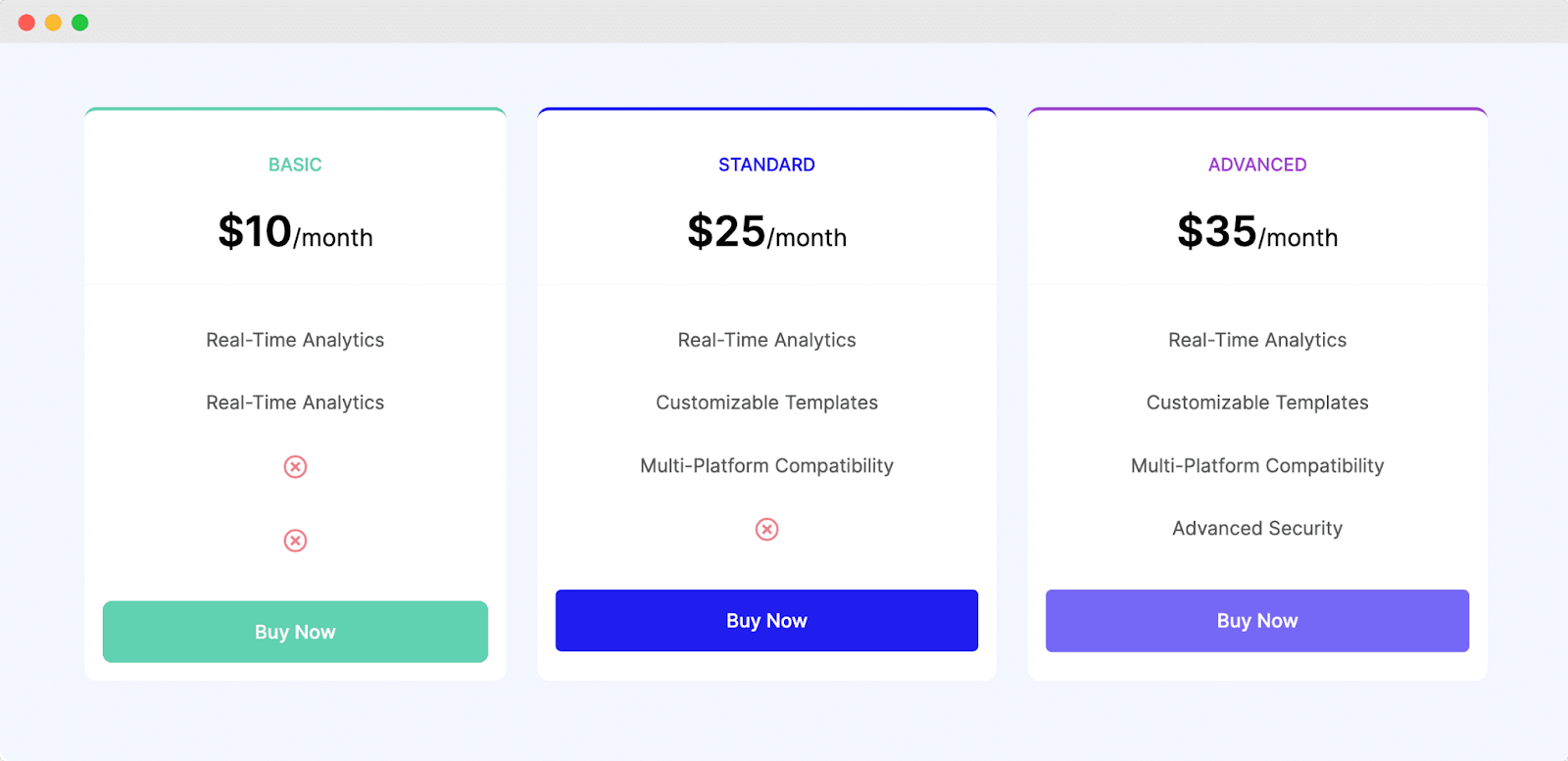
In practice, modular design means thinking in reusable blocks rather than one-off sections. A feature section, testimonial strip, pricing comparison, FAQ row and CTA band should all feel like they belong to the same system.
Essential Blocks gives WordPress users practical tools for this through Row, Wrapper, and Flex Container, which make it easier to build repeatable layout patterns without custom code. If your current pages feel “slightly off,” misalignment and weak grid discipline may be the reason. Order is often invisible when done well, but users feel the difference immediately.
6. Make Navigation Scannable
People should never have to guess where to click next. Clear navigation is one of the most practical good web design principles because it directly affects findability, engagement, and conversion. Navigation includes more than the main menu. It also includes section links, internal anchors, headings, tabs, accordions, breadcrumbs and on-page structure. When navigation is confusing or inconsistent, users feel lost. When it is predictable, they feel in control.
This is where content structure and block choice matter. Long-form pages become much easier to use when they include a Table of Contents block, especially for tutorials, product documentation, or feature-heavy service pages.
Accordion and Advanced Tab blocks also help organize dense information without overwhelming the page, as long as they are labeled clearly and used logically. W3C emphasizes predictability as a core part of accessibility, and Canva also highlights simple, logical navigation as a key design principle. If users need to think too hard about where content is, the design is already asking too much.
7. Prioritize Responsive Design
Responsive design is not something you “fix later.” It is one of the most important responsive web design principles, and in 2026, it is a baseline expectation. A responsive website adapts not just to screen width, but to user behavior, zoom level, orientation, and input method. It should remain usable whether someone is on a phone in poor network conditions, a tablet in landscape mode, or a desktop browser zoomed to 200% or 400%. Responsive design is about access, not just layout.
Essential Blocks is particularly relevant here because it allows designers to control responsiveness for individual blocks directly inside Gutenberg. That matters when you need to adjust spacing, stacking, visibility and layout behavior at different breakpoints.
A great desktop design that collapses into awkward mobile spacing, tiny buttons, or broken reading flow is not a great design at all. Responsive work also includes practical details like using flexible layouts, preserving source order, and keeping touch targets large enough to tap comfortably. Treating mobile as an afterthought is one of the fastest ways to make a site feel old.
8. Design for Accessibility
Accessibility is not a compliance checkbox to add near launch. It is one of the most important principles in modern web design because it improves usability for everyone. W3C frames accessibility around four essentials: content should be perceivable, operable, understandable, and robust.
In practical terms, that means readable text, sufficient contrast, keyboard-friendly navigation, predictable interactions, clear labels, helpful form errors, and content that does not depend on color alone. These are not niche requirements. They are basic quality standards.
This principle also affects how you use design tools. A gorgeous accordion is not helpful if its headings are vague. A form is not user-friendly if error states are unclear. A CTA is not accessible if the contrast is too low or the tap target is too small. In 2026, accessible design is simply better design. It supports more users, reduces friction, strengthens trust and often improves SEO and overall UX at the same time.
9. Reduce Friction in Actions
If users hesitate, compare too many options, or struggle to hit the right target, conversions drop. Two classic usability ideas still shape modern interfaces: Hick’s Law and Fitts’s Law. Hick’s Law says that more choices increase decision time. Fitts’s Law says that targets should be large and easy to reach. These ideas are highly relevant to CTA design, navigation menus, pricing sections and form steps. They are among the most actionable web design principles because they affect how users move from interest to action.
A common mistake is overwhelming users with too many equal-weight buttons: Learn More, Explore, Try Demo, Compare Plans, Contact Us, Join Waitlist, Watch Video and Read Case Study all competing at once. Instead, simplify the decision path. Essential Blocks helps here with focused Call To Action, Button and Pricing Table blocks that can visually elevate the primary choice without making the page chaotic. The strongest CTA sections usually do three things well: they reduce options, increase clarity, and make the next step feel easy. If a user has to think too hard, the design is losing momentum.
10. Prioritize Speed And Performance
A website that looks modern but feels slow will still perform poorly. Speed is now part of the design experience, not just a developer concern. Users judge quality through responsiveness: how fast content appears, how stable the layout feels, and how quickly they can interact. Responsive sites can become heavier because the same code is delivered across devices, which means designers must think carefully about layout complexity, media weight and unnecessary extras.
This is one reason performance-conscious tooling matters. Essential Blocks highlights modular control, allowing users to enable only the blocks they actually need, along with optimized asset loading and lightweight behavior. That is more than a technical feature. It supports a design principle: do not burden users with what the page does not need. If your site includes animation, huge images, sliders, and scripts on every page by default, even the cleanest interface will feel sluggish. Fast pages feel more trustworthy, more professional, and easier to use.
11. Write And Structure Content
One of the biggest gaps between average and excellent websites is content presentation. Most visitors scan first and commit later. That means long walls of text, vague subheadings, and poorly chunked sections hurt usability fast. Strong content design uses short paragraphs, descriptive headings, lists where appropriate, visual breaks, and clear emphasis. Canva explicitly advises avoiding large chunks of text, while NN/g emphasizes content prioritization across devices.
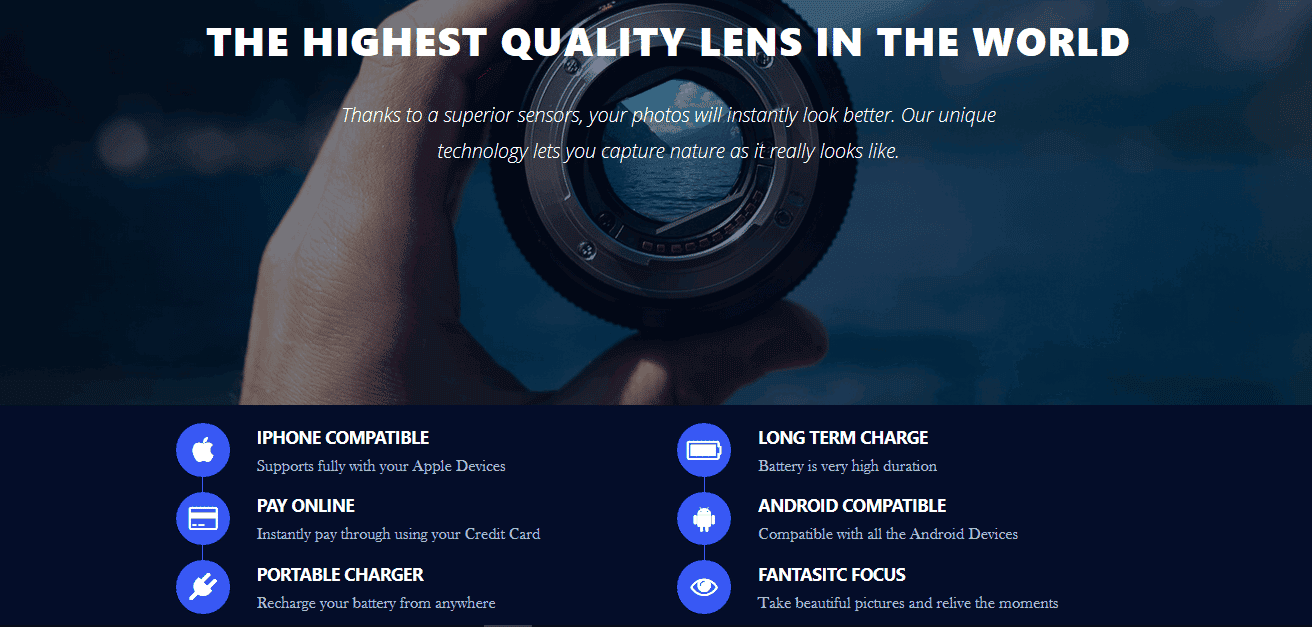
On a WordPress site, this is where the right block structure helps.
- Table of Contents can make long articles easier to navigate.
- Accordion can simplify FAQs.
- Advanced Tab can present comparisons or layered information more cleanly.
- Even Feature List can make dense selling points easier to absorb.
This principle matters because users often do not reject content because it is weak. They reject it because it feels difficult to process. When content becomes more scannable, comprehension improves, bounce often drops, and the page feels dramatically more usable.
12. Build Trust with Proof
Trust is a design outcome. Users decide whether a website feels credible based on visual quality, clarity, consistency, proof and behavior. Elements like testimonials, recognizable client logos, transparent pricing, clean forms and stable interactions all build confidence. At the same time, unnecessary movement, flashing visuals, confusing transitions, or inconsistent behavior can reduce trust.
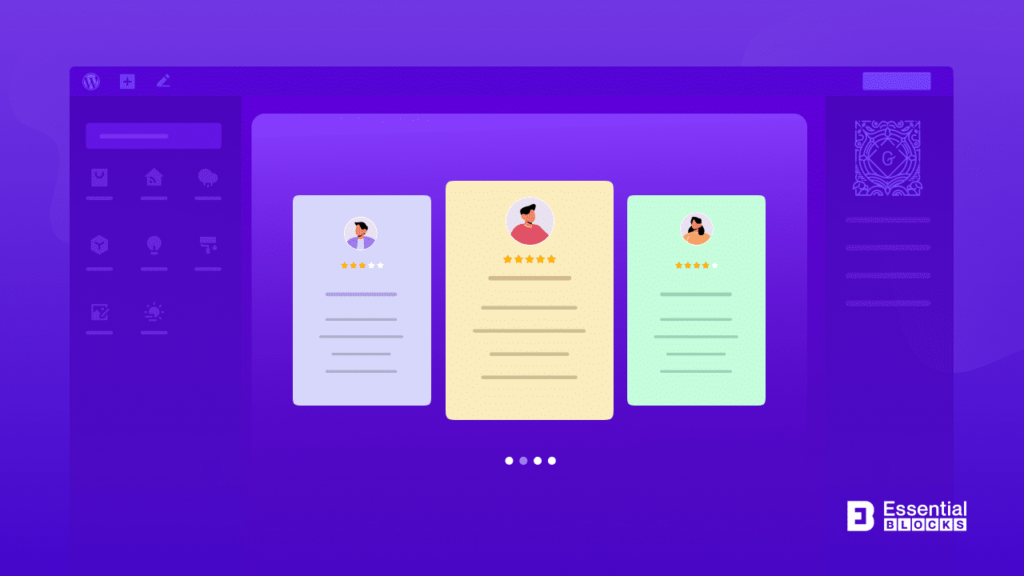
For Essential Blocks users, trust-building can be practical and straightforward: use Testimonial or Testimonial Slider to show social proof, Pricing Table to make comparisons easy and Form blocks with clear labels and simple steps to reduce hesitation. If you use animation, do it to support clarity, not decoration alone. Subtle motion can guide attention or reinforce feedback, but too much animation creates fatigue. One of the best web design principles in 2026 is this: every interactive detail should help users feel oriented, informed, and safe taking the next step.
Common Web Design Mistakes And How to Avoid Them
Even when designers understand the basics, small execution mistakes can still hurt usability, trust, and conversions. The good news is that most of these problems are fixable once you know what to look for.
1. Cluttered layouts: A page packed with too many sections, colors, banners, icons, and buttons makes it hard for visitors to focus. This usually weakens hierarchy and increases cognitive load.
How to fix it: Remove anything that does not support the main goal of the page. Use more whitespace, limit distractions, and keep one primary CTA per section.
2. Weak visual hierarchy: If every heading, button, and block looks equally important, users will not know where to look first. That confusion often leads to quick exits.
How to fix it: Use size, spacing, contrast, and placement to guide attention. Make headlines clearer, section breaks more visible, and primary buttons more prominent than secondary actions.
3. Poor mobile responsiveness: A design may look perfect on desktop but become cramped, misaligned, or hard to tap on smaller screens. In 2026, that is a serious usability problem, not a minor issue.
How to fix it: Design mobile-first where possible, test layouts at multiple breakpoints, use flexible grids, and make sure buttons and interactive elements are easy to tap.
4. Confusing navigation: When menus are overloaded or page structure feels inconsistent, users struggle to find what they need. This creates friction and lowers engagement.
How to fix it: Keep navigation simple, predictable, and easy to scan. Group related content clearly, use descriptive labels, and add tools like a table of contents or accordions for longer pages when needed.
5. Unreadable typography: Fonts that are too small, too decorative, too light, or inconsistent across pages make content harder to consume. Users will not stay long if reading feels like work.
How to fix it: Choose web-friendly fonts, maintain a consistent type scale, use comfortable line spacing, and ensure strong contrast between text and background.
6. Ignoring accessibility: Low contrast, vague button labels, poor keyboard navigation, and relying only on color to convey meaning can exclude many users and damage overall UX.
How to fix it: Follow accessibility best practices from the start. Use clear labels, readable contrast, logical heading structure, keyboard-friendly navigation, and helpful form feedback.
7. Too many choices in one section: When users are presented with too many buttons, links, or plan options at once, decision-making slows down. This often lowers clicks and conversions.
How to fix it: Simplify the path forward. Reduce unnecessary options, highlight the main action, and make your CTA the most visually obvious next step.
8. Slow-loading pages: Heavy images, unnecessary scripts, too many animations, and bloated layouts can make a site feel frustrating before users even engage with it.
How to fix it: Optimize images, reduce nonessential effects, load only the features you need, and keep the design lightweight. Fast websites almost always feel more professional and trustworthy.
9. Text with poor content structure: Even useful content can underperform if it looks overwhelming. Large text blocks make pages harder to scan, especially on mobile.
How to fix it: Break content into shorter paragraphs, add descriptive subheadings, use lists where helpful and structure pages for scanning instead of deep reading only.
10. Using animation without purpose: Motion can improve focus, but too much animation can distract users, slow down pages, or make the interface feel chaotic.
How to fix it: Use animation only when it supports clarity, feedback, or emphasis. Keep it subtle, consistent, and secondary to usability.
Start Applying These Web Design Principles Today
The real value of web design principles is not in memorizing a list. It is in using them to make better decisions, page by page and section by section. If you apply even a few of the ideas in this guide, such as stronger hierarchy, cleaner spacing, better mobile responsiveness, clearer navigation, and more focused CTAs, your website will immediately become easier to use and more effective.
The strongest websites are not the ones chasing every visual trend. They are the ones built on solid fundamentals. That is why these principles of web design still matter so much. They help you create websites that look modern, feel intuitive and perform well for real users. If you are building with Gutenberg, combining these principles with the right Essential Blocks features can make the process much faster and far more scalable. Was this blog helpful? Do not forget to subscribe to our blog to get more web design tips. Join our Facebook Community to share your thoughts.