
Tutorial
Home
.
Tutorial
Recent Posts



tags
5 WordPress Gutenberg Themes Accordion Accordion In WordPress Black Friday deals Block editor block library block library for Gutenberg Call To Action Button Call To Actions countdown timer CTA Button Elementor EmbedPress Essential Blocks Essential Blocks For Gutenberg Flip box Gutenberg gutenberg block Gutenberg block editor Gutenberg Block Library Gutenberg blocks Gutenberg editor gutenberg library Gutenberg Navigation Menu Gutenberg Plugins Gutenberg ready templates Gutenberg template Gutenberg Templates Gutenberg Themes Gutenberg tutorial Gutenberg website Infobox Navigation Menu Openverse Openverse Block Post Grid Pricing Table block Templately website design website template WordPress WordPress block WordPress block editor WordPress Gutenberg WordPress Navigation Menu
Social Links
-

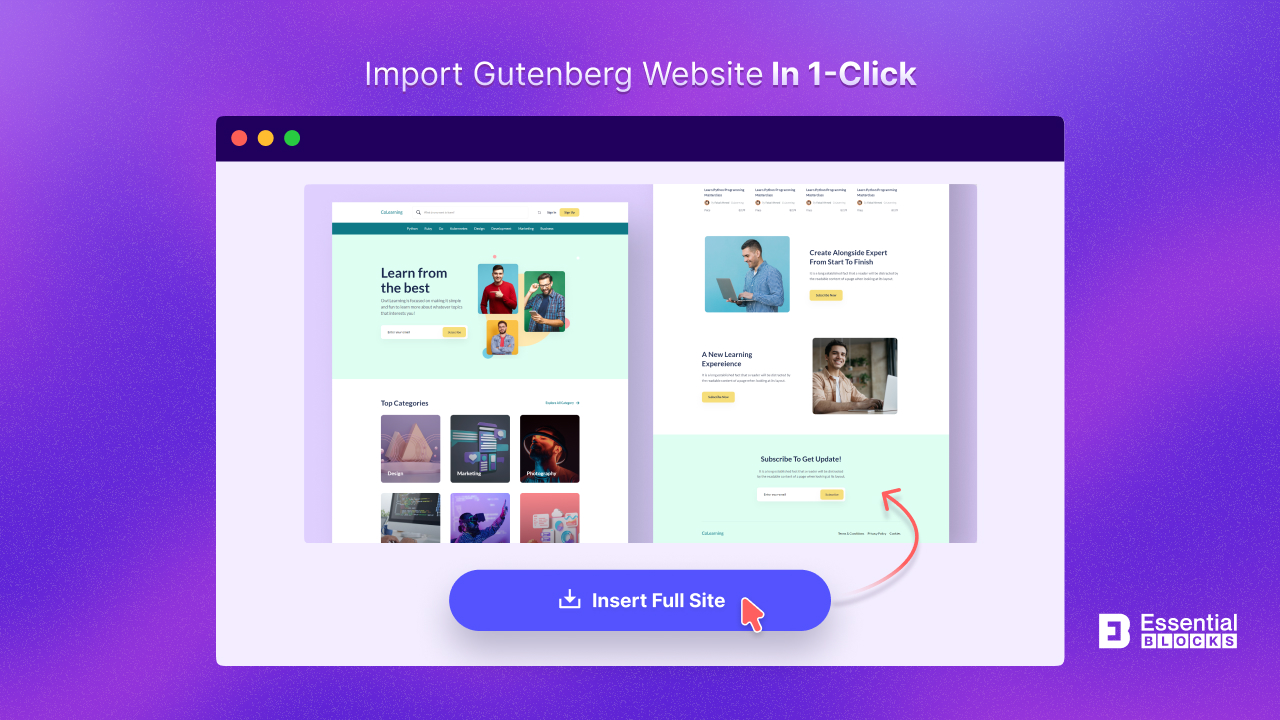
How to Import Complete Template Packs to Design Entire WordPress Websites in 1 Click
Learn how to use WordPress templates from Templately to import entire theme packs and create websites in the Gutenberg editor with just a single click.
-
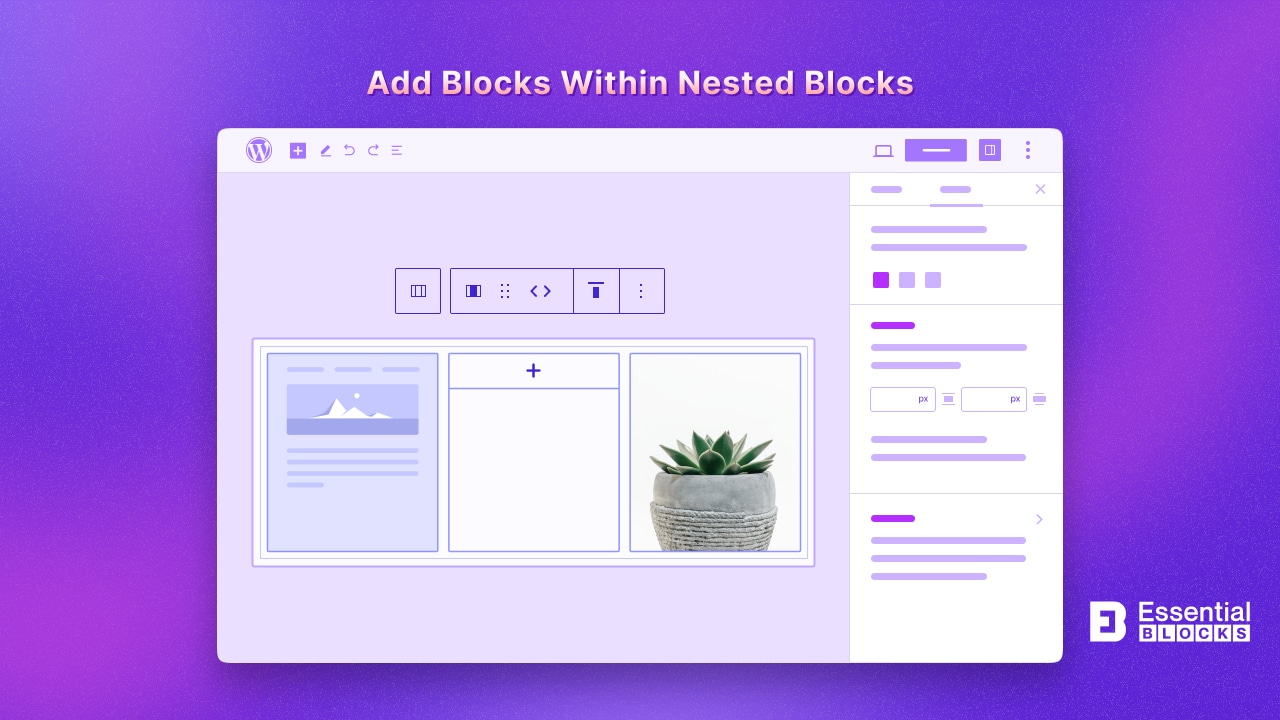
How to Add Blocks within Nested Blocks
Explore how to add blocks within nested blocks in this step by step guideline and enhance the design and functionality of your website.
-
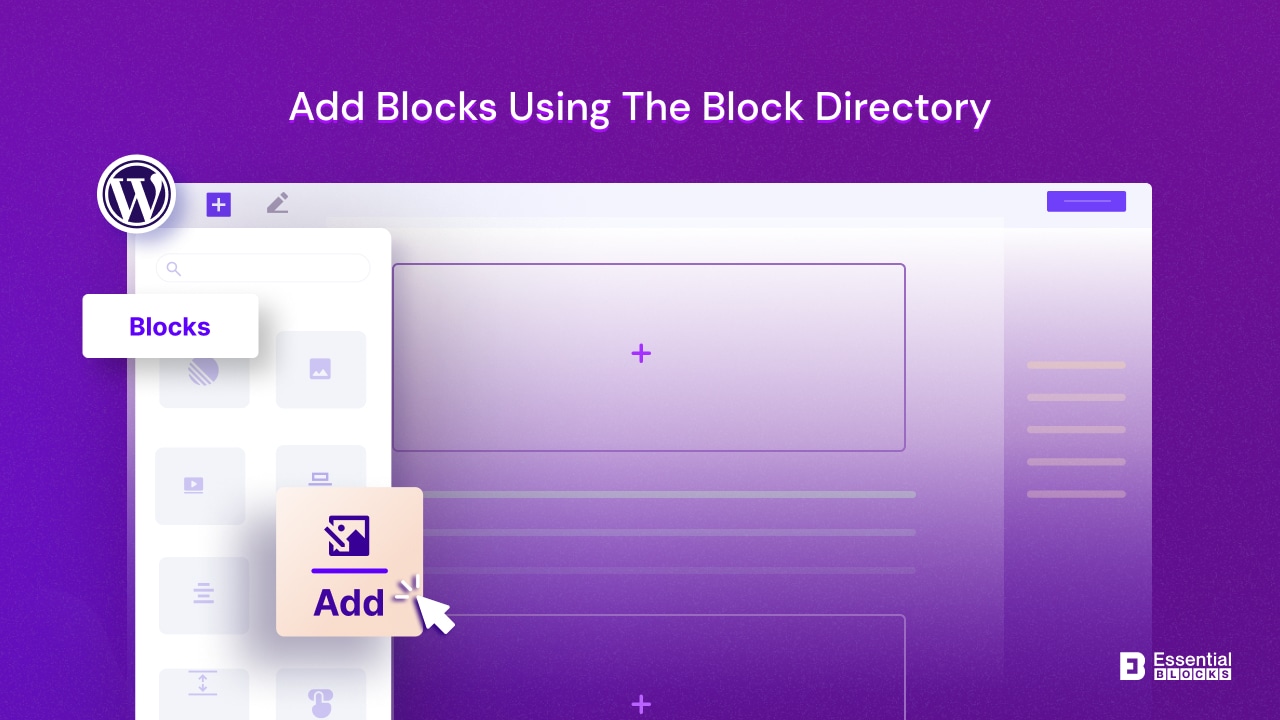
How to Add Blocks Using the Block Directory
Block directory gives a detailed catalogue to easily browse and use the blocks in your content.
-
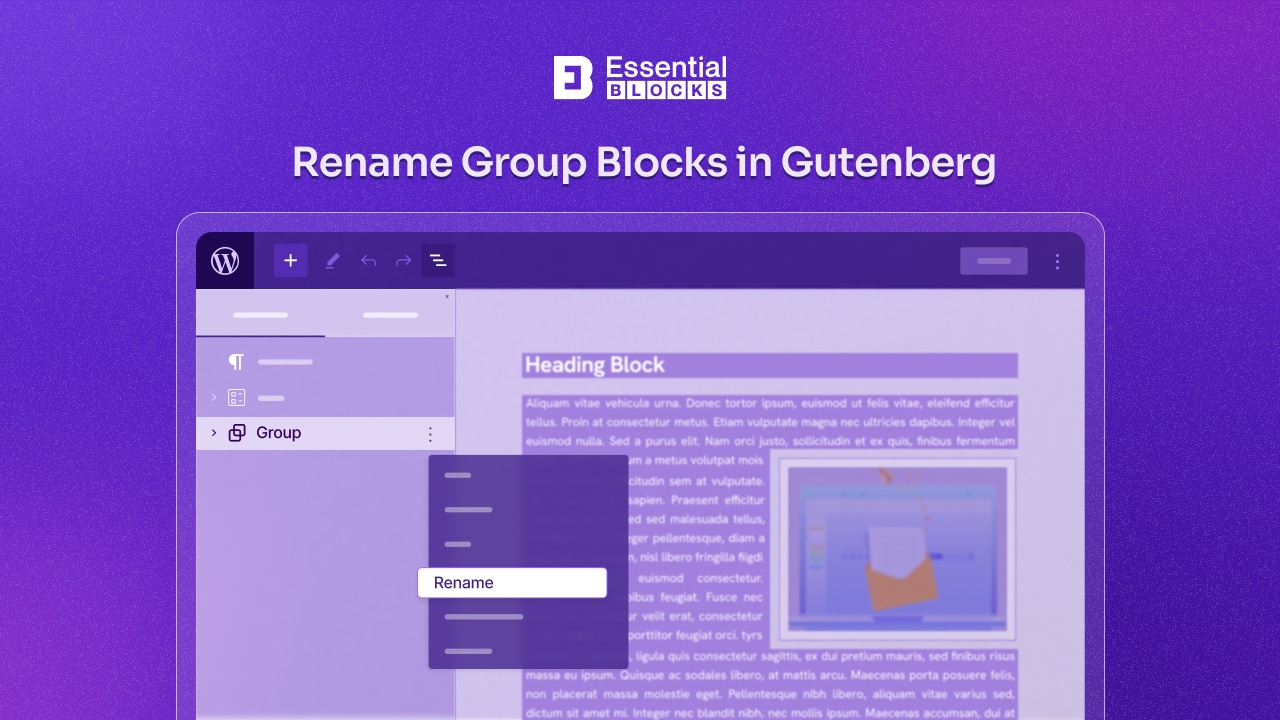
How to Rename Group Blocks in Gutenberg?
Learn the easy steps to rename Group Blocks in Gutenberg for WordPress.
-
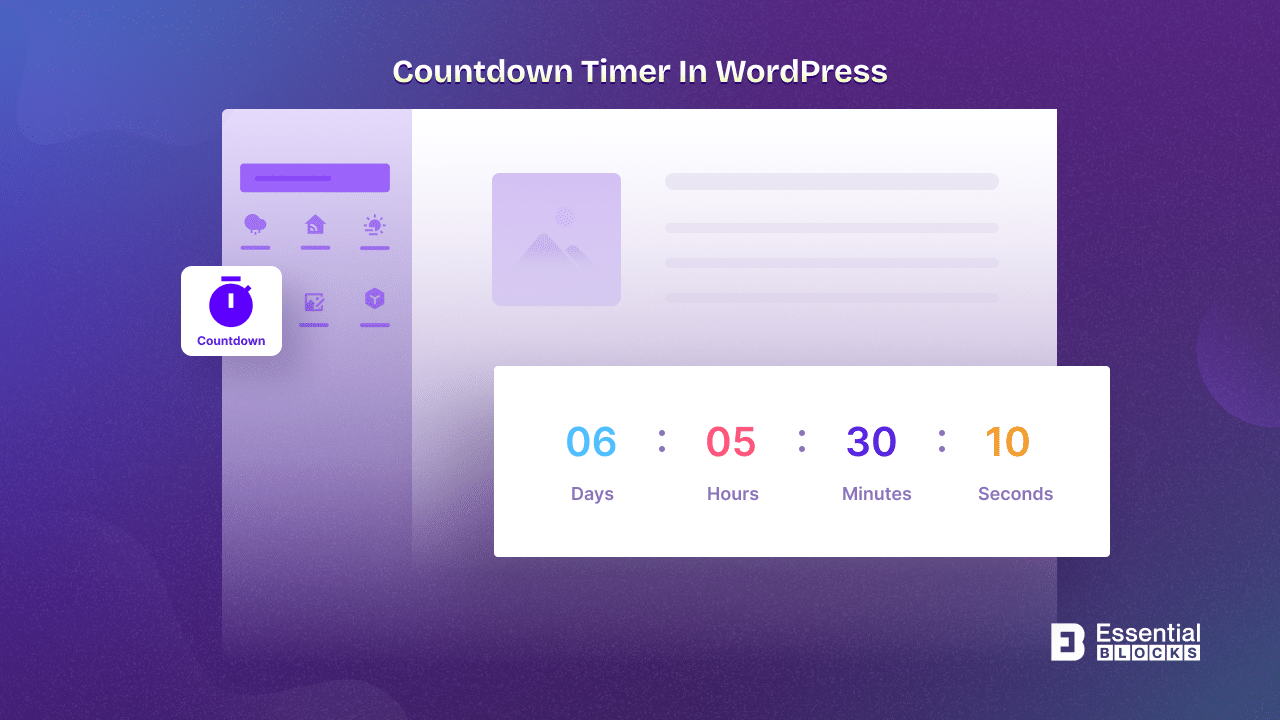
How To Add A Countdown Timer In WordPress – 3 FREE Ways
Are you looking to add a countdown timer in WordPress website? Learn how countdown timers can build excitement, create urgency, and boost conversions. Explore three free countdown timer plugins for WordPress that will enhance your sales, promotions, and product launches.…
-
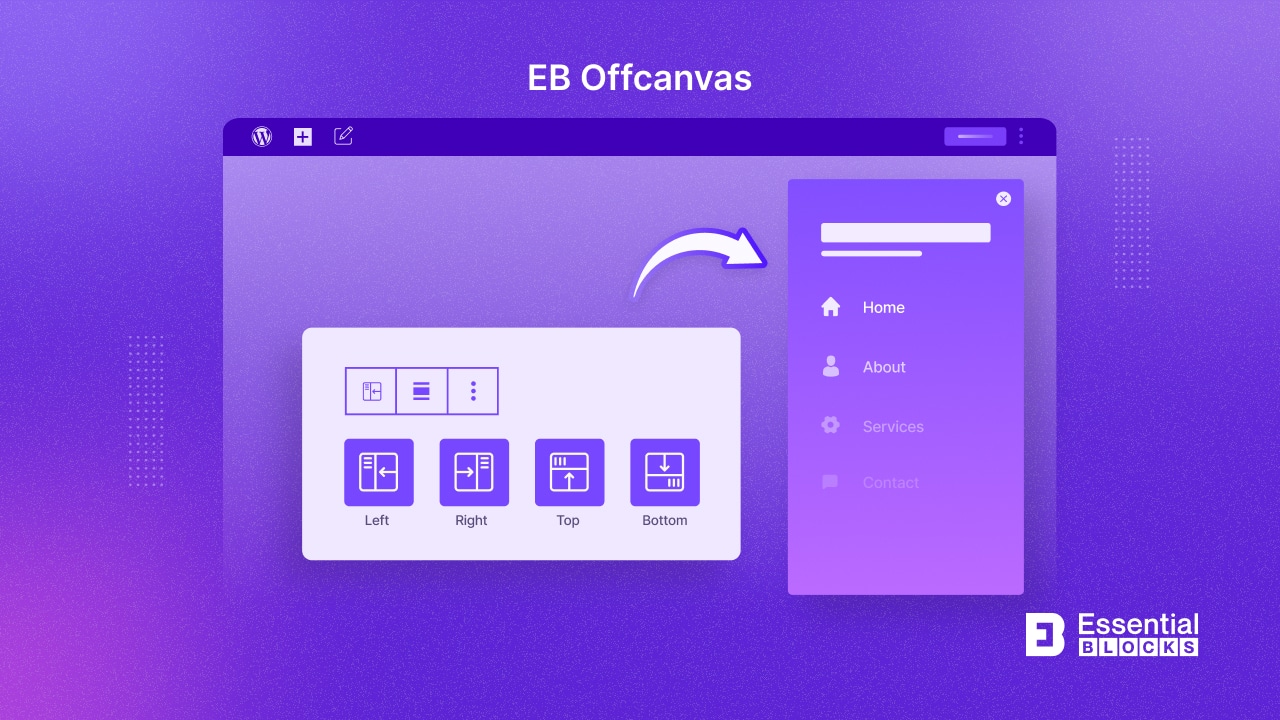
[New] How To Add An Offcanvas Content In Gutenberg Using Essential Blocks
Add an Off-Canvas content effortlessly in Gutenberg with Essential Blocks! Elevate your WordPress navigation and showcase content seamlessly without coding.
-
How To Sync Patterns Across Site [Multiple Ways]
Learn how to seamlessly sync block patterns across different sites, unlocking a new level of visual consistency.
-
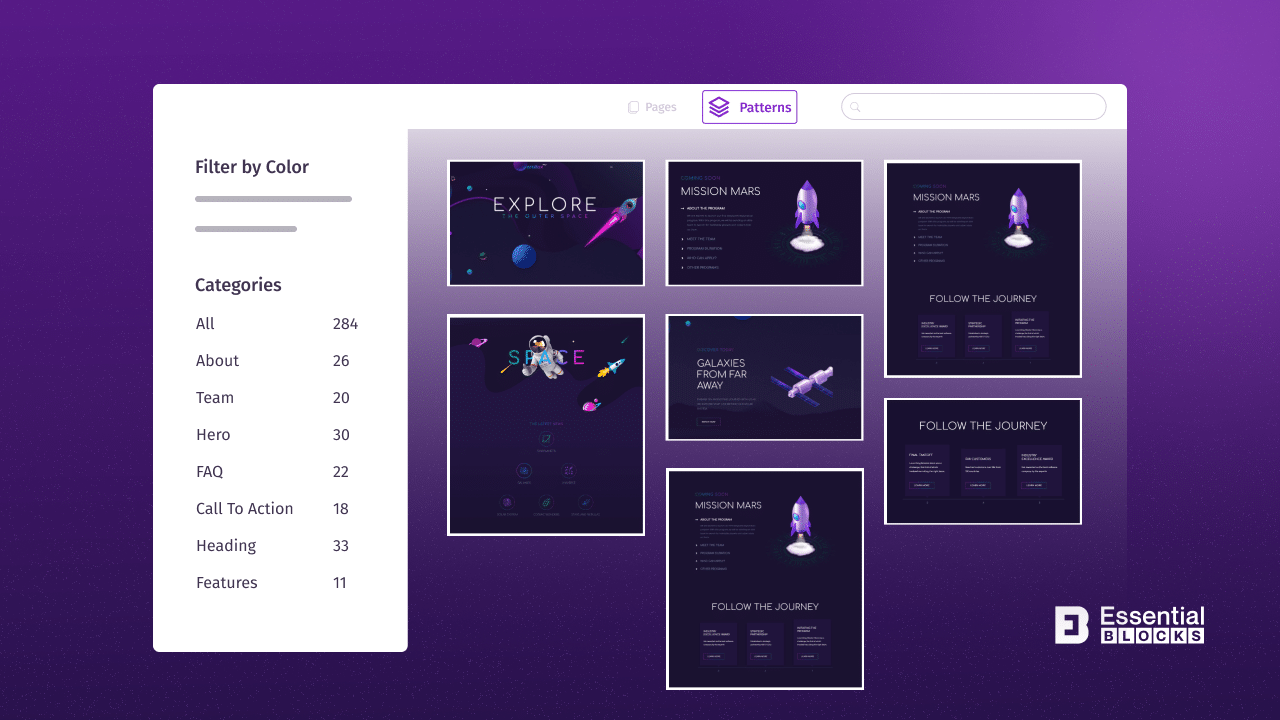
How To Categorize And Filter Patterns To Simplify WordPress Site-building Process
Filter Patterns help you efficiently sort and find the perfect design elements for your Gutenberg site
-
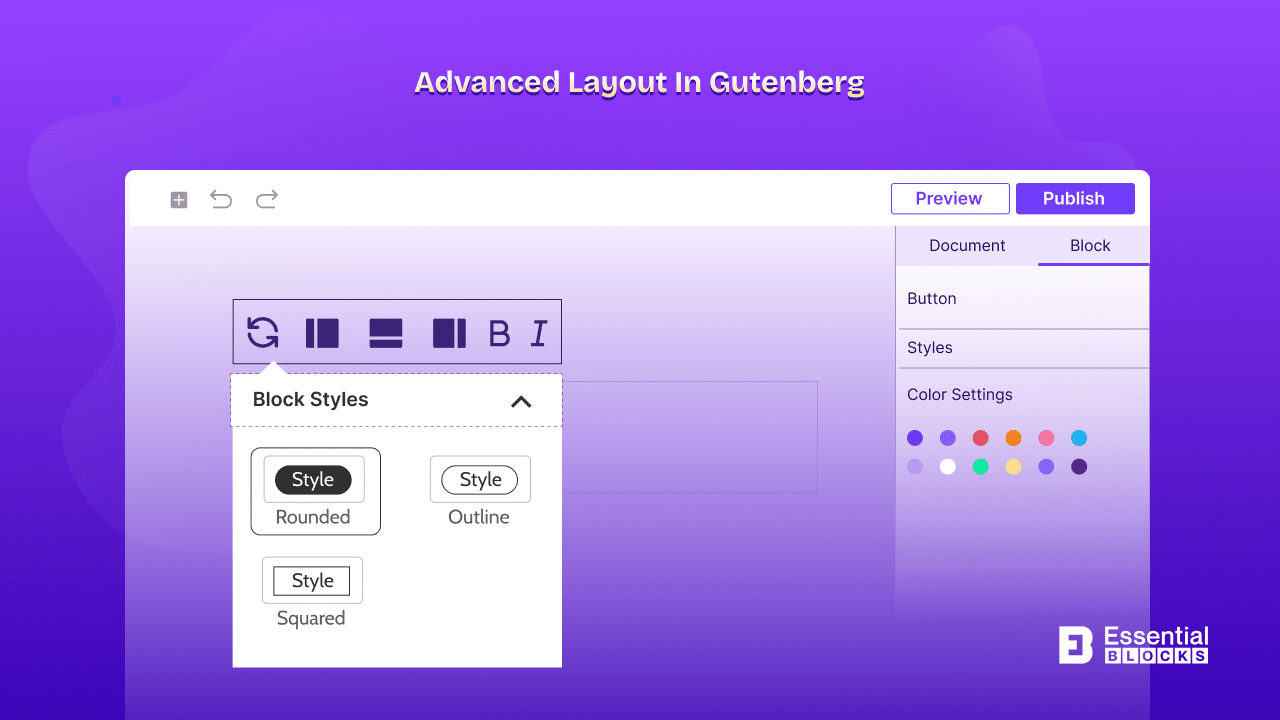
Gutenberg Guide: How To Use Advanced Layouts With The Block Editor [2026]
Here is a step by guide on the advanced layouts in Gutenberg blog editor.
-
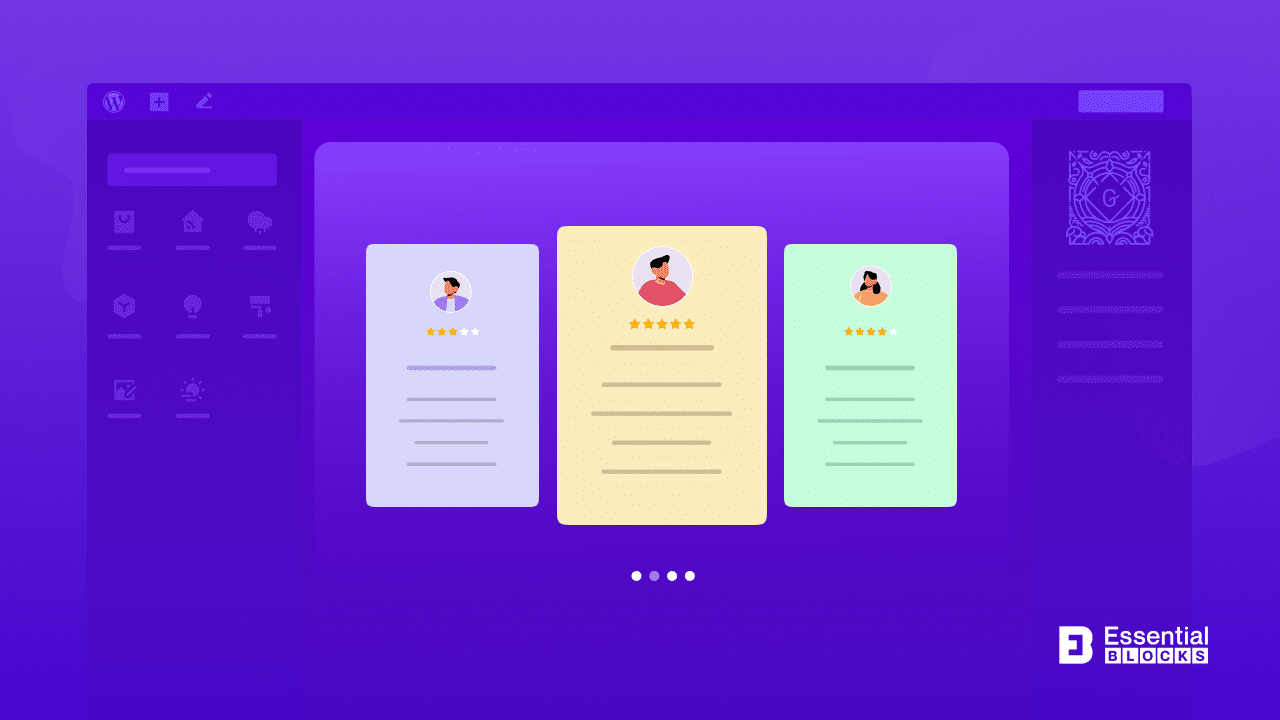
[New Block] Testimonial Slider For Gutenberg: Your Path To Gain Trust & Sales
Elevate your website’s trustworthiness and drive sales with the Testimonial Slider for Gutenberg. Showcase customer endorsements seamlessly in the Gutenberg editor.





![How To Sync Patterns Across Sites [Multiple Ways]](https://essential-blocks.com/wp-content/uploads/2024/01/EB-How-to-Share-Patterns-across-sites-Multiple-Ways.png "How To Sync Patterns Across Site [Multiple Ways] 10")