Looking forward to gearing up your web design experience to the next level with fresh, new elements? Gutenberg blocks may just be the solution you need. You can seamlessly add a variety of features to your site with them, from custom pricing tables to interactive timelines. In this article, we’ve compiled a list of 10 must-try Gutenberg blocks that can take your website design to the next level. let’s start reading.
Gutenberg Blocks: The Ultimate Website Design Tool for WordPress
Before jumping into the must-have Gutenberg blocks, let’s talk a bit about Gutenberg. It is the new default editor for WordPress. When you design anything with Gutenberg, every element is considered a separate block. For example, if you want to add a paragraph or some images, Gutenberg provides blocks named paragraphs or images for you to do the job interactively.
Gutenberg blocks have all stunning editing properties. These blocks help us to create the layout of a page or post. You can insert specific blocks (or you may say content) at any place on the page where we want them and customize them as you want.
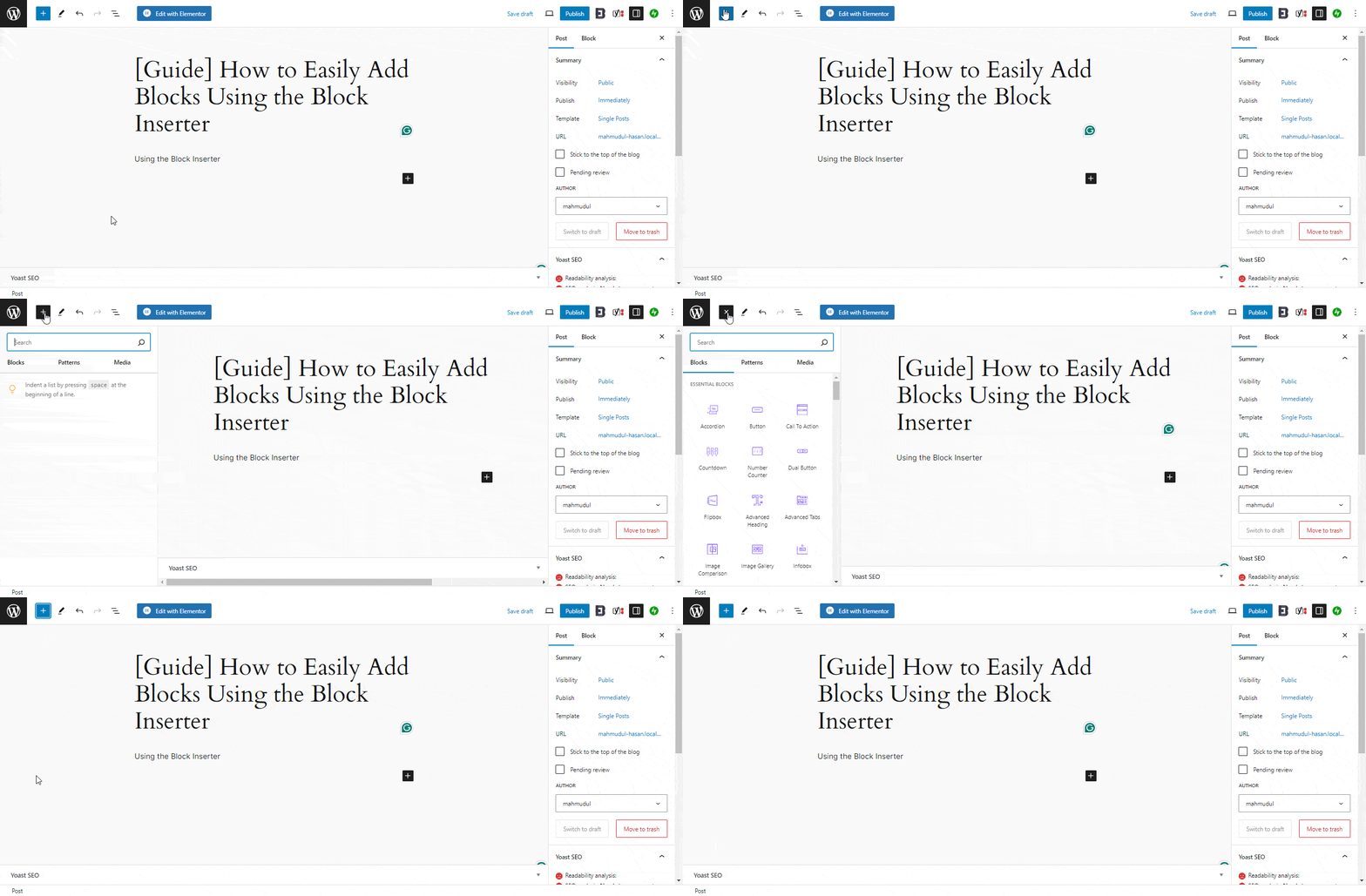
You can see the block list by clicking the “+” sign and then selecting the block you want to add or can use the “/” sign and write the block name directly to add the block.