
WordPress site owners often struggle to display dynamic content in an attractive way without diving into code. Building a custom blog grid or product catalog usually meant struggling with complex queries or settling for bland templates. But not anymore! With the Loop Builder in Essential Blocks, you can visually design dynamic post layouts right inside Gutenberg – no coding needed.
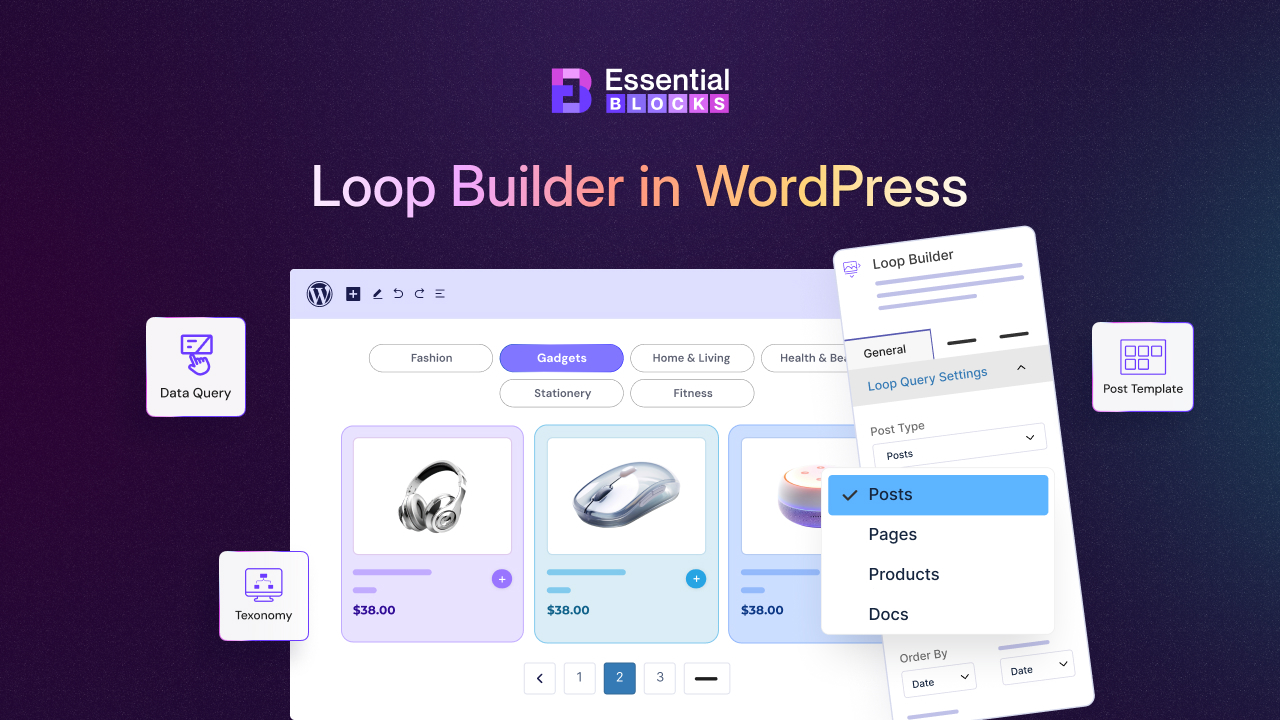
This feature is here to transform how you showcase posts, products, and more on your website. In this blog, we will introduce the Essential Blocks Loop Builder, explore its key features and show how it solves challenges of dynamic content in WordPress.
⏳ Traditional WordPress Dynamic Content Challenges without a Loop Builder
Displaying dynamic content in WordPress has not always been easy for non-coders. Without any Loop Builder, you might experience some common frustrations. These have made showcasing dynamic content feel like putting in some extra effort. Many creators ended up avoiding complex post layouts altogether or sticking to static pages.
- Limited Default Options: Relying on the basic WordPress Query Loop block or theme defaults often means a generic look. You have little control over styling your Gutenberg post grid beyond what the theme allows.
- Custom Code or Plugin Dependency: Creating a unique blog post list or product showcase typically requires writing PHP template files or installing multiple plugins. Without a developer, showcasing dynamic content often feels out of reach.
- Inconsistent Design: Mixing various plugins or manual code could lead to inconsistent layouts. It is hard to make every post or product card match your brand without extensive CSS tweaks.
- Time-Consuming Updates: Want to change the layout or filter that determines which posts show up? Traditionally, you would edit code or juggle settings across plugins. Something as simple as excluding a category could become a tedious task.
- No Visual Feedback: Perhaps the biggest challenge – you cannot design dynamic layouts in WordPress visually. You have to guess how the loop would look on the front-end or constantly preview changes.