Gutenberg needs little to no coding skills, making it easier than ever before for non-technical users to manage and update WordPress web content. And to make your web-building experience even better on the block editor, we bring you Essential Blocks, the fastest-growing Gutenberg Block Library. Today, with this complete guide, we will discuss how you can easily insert blocks with Essential Blocks.
Essential Blocks for Gutenberg is a powerful, free plugin for the WordPress block editor. This free plugin offers a multitude of advanced blocks, countless exclusive features and facilities, and a lot more.

Essential Blocks: Best & Fastest Growing Gutenberg Block Library
Gutenberg has been WordPress’ default block editor for a few years now, gradually increasing in popularity and effectiveness over time. With constant upgrades and enhancements, the no-coding-required block editor has made web development and design simple for both technical and non-technical users.
And we are really delighted to introduce you to Essential Blocks, the ultimate Gutenberg blocks plugin with dozens of powerful, ready, and completely customizable blocks to rapidly speed up your web design abilities. This ultimate tool, a fully free plugin with over 40 of the finest Gutenberg blocks, will provide you with more freedom and a better web-building experience than ever before! For more watch, the video tutorial attached below to easily insert blocks with Essential Blocks for free.
Most Popular Block Categories From Essential Blocks
You’re obviously wondering what separates Essential Blocks from the rest of the block tools in the market, especially with the increased popularity of the Gutenberg block editor. We can tell you that very few of them have all of the great features and capabilities that this ultimate lock plugin for Gutenberg has to offer.
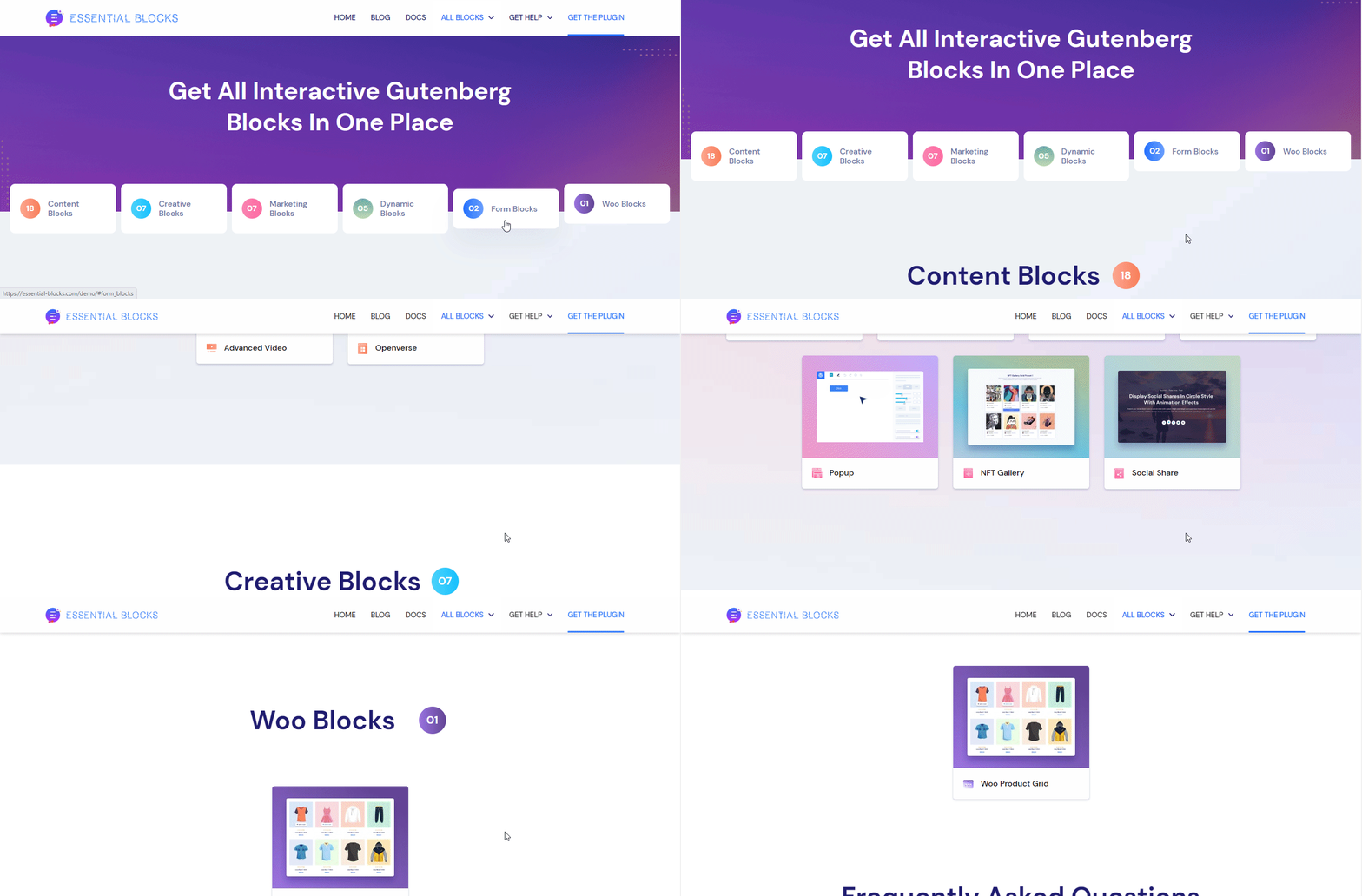
As mentioned earlier, it offers you 40+ advanced blocks that are divided into 5 different categories. You can explore them all and use them the way you need to make your WordPress website more interactive. Our most popular categories are: