
Struggling to make your WordPress site look consistent? You are not alone. Tweaking fonts on every block and section of your website is tiring and time-consuming. Typography is more than just nice fonts. It shapes how your brand looks and feels. That is where global typography in Gutenberg saves your website. Get the same style everywhere with one set. It is clean, accurate, and reliable without any hassle.
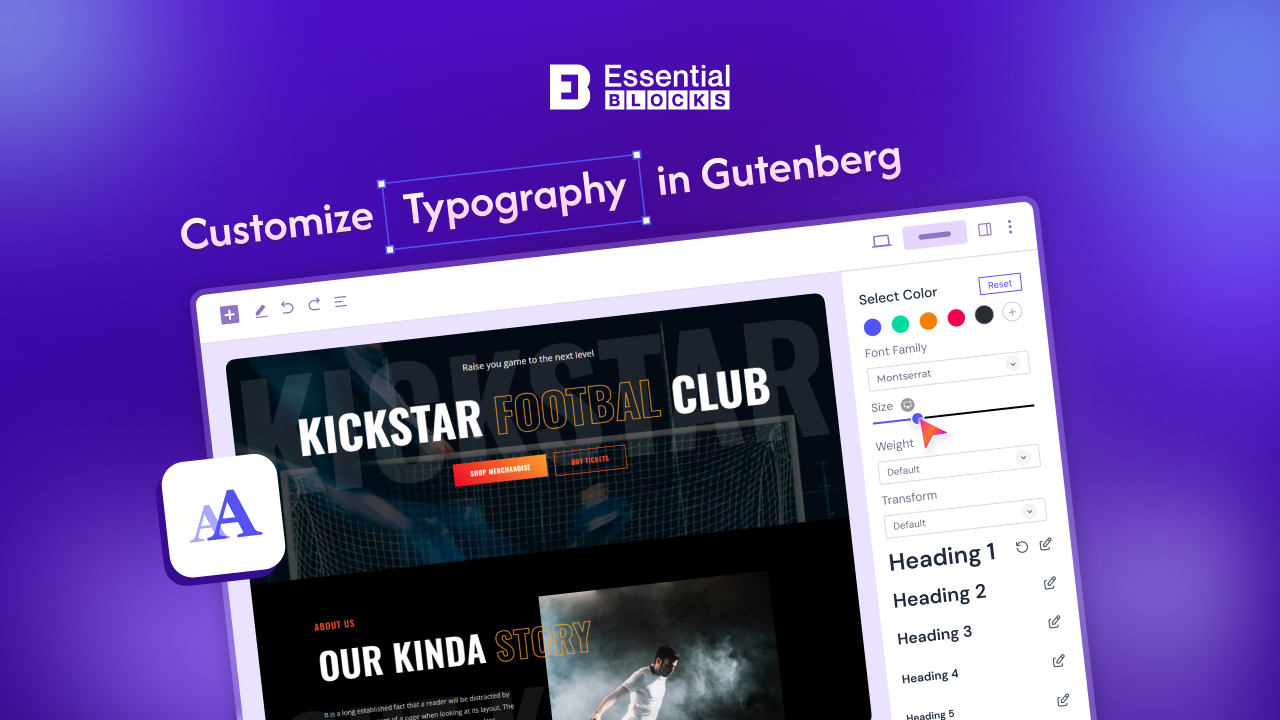
In this guide, you will learn how to set up global typography. Ready to take control of your website’s look without the hassle? Let us jump in.
Understanding Typography in Gutenberg: The Basics
Before you get started, let us quickly explain what ‘typography‘ means in WordPress and Gutenberg. Gutenberg is the default WordPress editor that lets you build pages using blocks. Each block can have its typography settings, but changing them one by one is time-consuming. Global typography means setting these styles once, so they apply everywhere, saving you time and keeping your site consistent.
Typography covers:
- Font family (the style of text, like Arial or Roboto)
- Font size (how big or small your text is)
- Font weight (bold, normal, light)
- Line height (space between lines)
- Letter spacing (space between letters)
- Text decoration (underline, strikethrough, etc.)
- Text transform (uppercase, lowercase, etc.)
Now that you know what typography is, let us see why setting it globally is a game-changer for your website.
Why Every Designer Should Be Using Global Typography?
At first, setting fonts block by block might seem fine. But as your site grows, it becomes slow and frustrating. You keep fixing text styles, yet things still look off. This not only wastes time but also makes your site feel messy and less professional. It can lead to all sorts of issues: