
Ever wished you could simply copy and paste styles of Gutenberg blocks with just a few clicks? For website designers who create multiple sites every day, repeating the same designs and customizations can be very tedious. But not to worry anymore, because to help you increase your efficiency in web designing, we will help you find the perfect solutions in this blog.
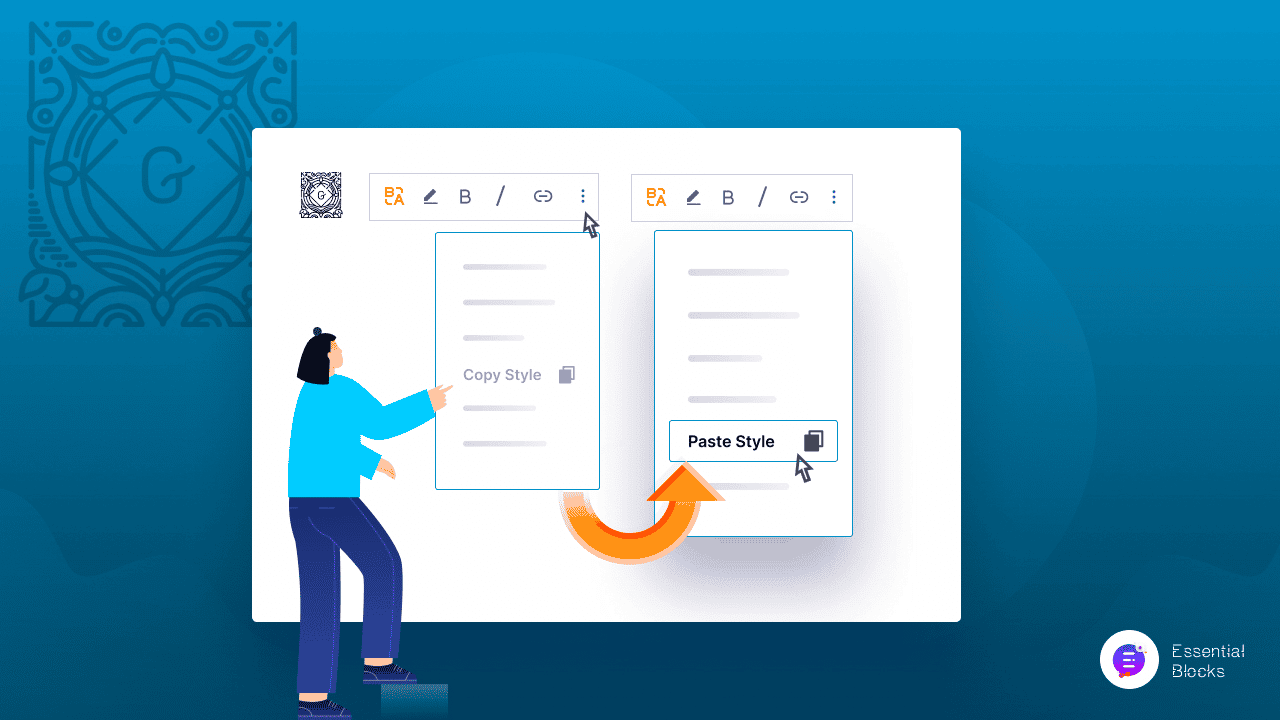
The Benefits Of Copying Block Styles In Web Designing
Web designers spend a lot of time customizing each section of the websites or templates that they create to match brand colors and aesthetics. Sometimes, they may have to repeat the same design or same styles on blocks across the entire website page or page multiple times. It not only takes up a lot of time but may also result in a clumsy finish.

But imagine if a web designer, like you, could simply design one Gutenberg block completely and just copy its style and paste it to all the other blocks that needed the same modifications? Copying the block styles will instantly enhance your designing efficiency, your user experience, and ultimately the final web design will turn out much better than usual.
And so, with this blog, we have looked at several possible solutions and found the top 3 WordPress plugins that can help you instantly copy and paste styles on Gutenberg with a few clicks.
The Top 3 Plugins That Lets You Copy & Paste Styles Easily
Below, we have listed the top 3 plugins that bring you the outstanding facilities to copy and paste the block styles in Gutenberg. And the list holds both free and premium solutions for all your website needs – from copying the styles of single Gutenberg blocks to duplicating the block styles for multiple ones. You are sure to find the perfect plugin that you need. Take a look at our ultimate list below: