



Image Hotspots

Pin Items & Products Creatively With Image Hotspot Block

Guide users through images using hotspots & tooltips that explain features, pricing, or points of interest on demand.

Image Hotspot

Create Interactive Image Annotations With Trigger

Image Hotspot block lets you make the image area hotspots with custom tooltips so that the user can click or hover on the hotspots to reveal name, details, and prices, links, etc.

Display Images Stylishly With Animated Hotspots

Make image tooltips animated with stunning effects. Without requiring any custom WordPress coding, it helps to immediately capture visitors’ attention, boost engagement, and more.

Image Hotspot
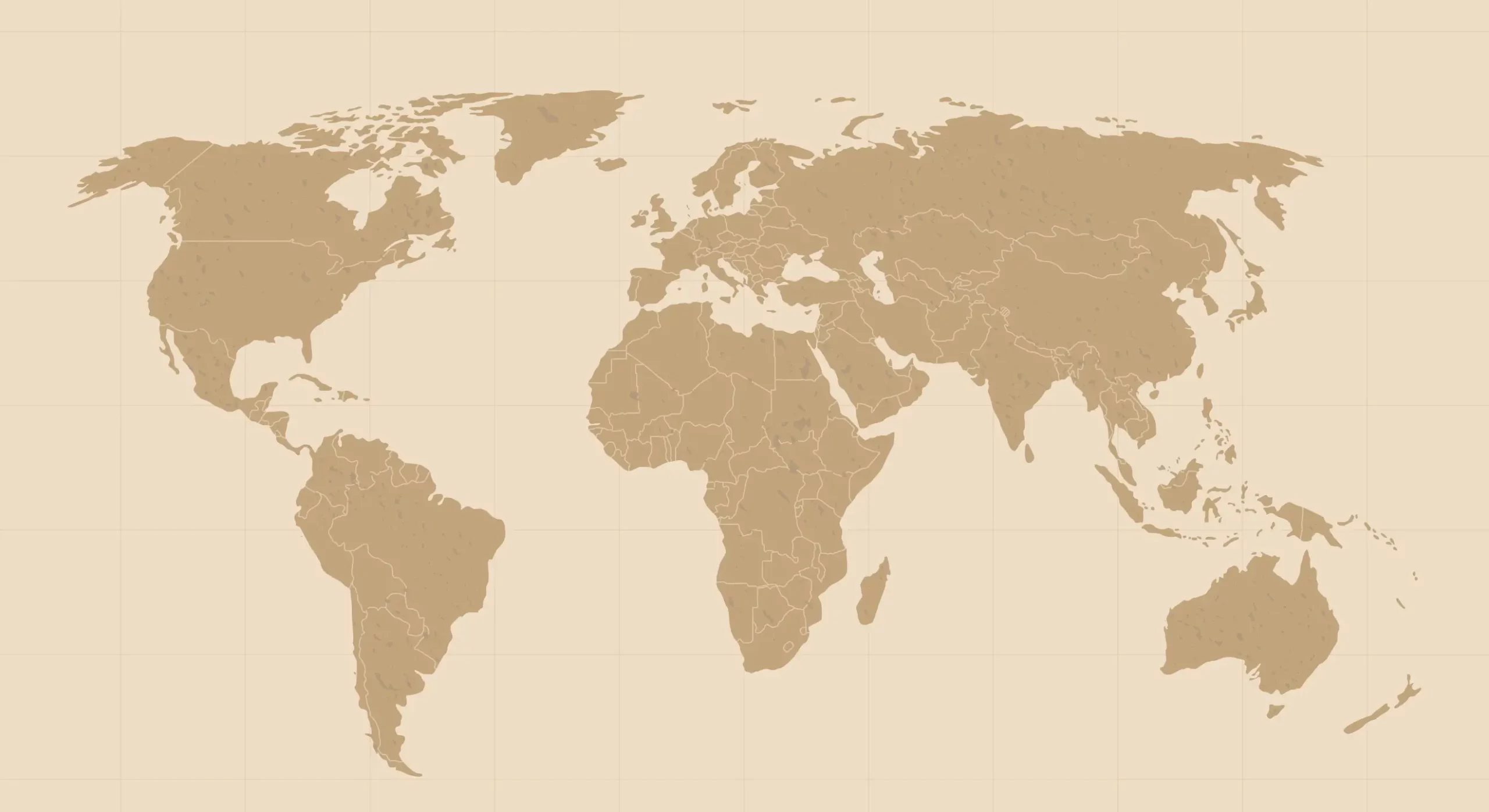
Brazil
São Paulo
United States
California
Germany
Berlin
Russia
Moscow

Guide Website Visitors With Points Of Interest

Display all pertinent information in one location by adding image hotspot tooltips and offering contextual and visual explanations of details when needed without requiring more scrolling.

Image Hotspot
Ryan Patel
Growth Marketing Specialist
Emily Carter
Content Strategist
Alex Morgan
Product Manager
Sophia Bennett
UX/UI Designer
Daniel Foster
Frontend Developer

Turn Static Images Into Clickable Navigation

Use the Image Hotspot block in Gutenberg to annotate your eCommerce visuals with tooltips for details, offers, and links, giving shoppers an engaging interactive experience.

Image Hotspot
1
Jacket $120
Buy Now
2
Sunglass $59
Buy Now
3
Sneaker $120
Buy Now

Highlight Details In Image Using Multiple Tooltips

Guide your visitors through images using hotspot tooltips that explain features, improvements, and so on. Try out versatilely designed pins that match with your aesthetic.

Image Hotspot
Chain Box
Seat
Frame Alloy
Disc Break

Learn How To Configure Mega Menu Works In Gutenberg

Frequently Asked Questions

Still Need Help? Reach out to our dedicated support team anytime

What themes does Essential Blocks for Gutenberg work with?

Essential Blocks for Gutenberg supports almost all themes that are compatible with Gutenberg.

What are the requirements to use Essential Blocks for Gutenberg?

To use Essential Blocks you need to have a WordPress website that uses the default Gutenberg editor.

Will Essential Blocks slow down my website?

No, Essential Blocks will not slow down your website. It brings you the outstanding facility of complete modular control over the activation of each individual block. We have also used optimized codes for this plugin which helps to load only the resources that are currently using. These advanced facilities will boost your site speed even further.

Can I use Essential Blocks PRO on multiple websites?

Yes! Once you upgrade your plan accordingly, you can use Essential Blocks PRO on multiple websites.

Do you have a refund option?

Absolutely! We take pride in customer satisfaction. Thus, we are offering you a risk-free 14-day money-back guarantee. If you are not happy with Essential Blocks PRO within this period, we will happily refund your money.

What will happen after my license expires?

You can still use all of our premium features once the license expires, except you will just not get new premium updates and support. Don’t worry, we will notify you to renew your license.


Elevate Your Web Design & Development In Gutenberg 
With Essential Blocks

No worries! We offer 100% No-Risk Money Back Guarantee only
if you’re not satisfied enough.

Image Hotspot
  • Feature Item 1

  • Feature Item 2

  • Feature Item 3

  • Feature Item 4

  • Feature Item 5

Essential Blocks- gutenberg

This plugin, which I’ve been using for several years, brings incredible features to WordPress to enhance the look of a website, without any programming.
Furthermore, their support was very effective in fixing a bug.
Thank you again and congratulations.

Image Hotspot

Essential Blocks

Advanced Blocks Library For
Gutenberg To Power Up Your Site
With Interactive Content

Copyright © 2025 | A WPDeveloper Product from startise-logo family
Hosted with xCloud-logo